

01 / 04

Plan the network before choosing the equipment.Map users, rooms, coverage, cabling, security and handover.

Connect training to work people need to perform.Define the audience, tools, starting level and practical outcome.
See the service around the equipment.
Useful delivery includes site understanding, careful configuration, verification and a support route, not only a product box.
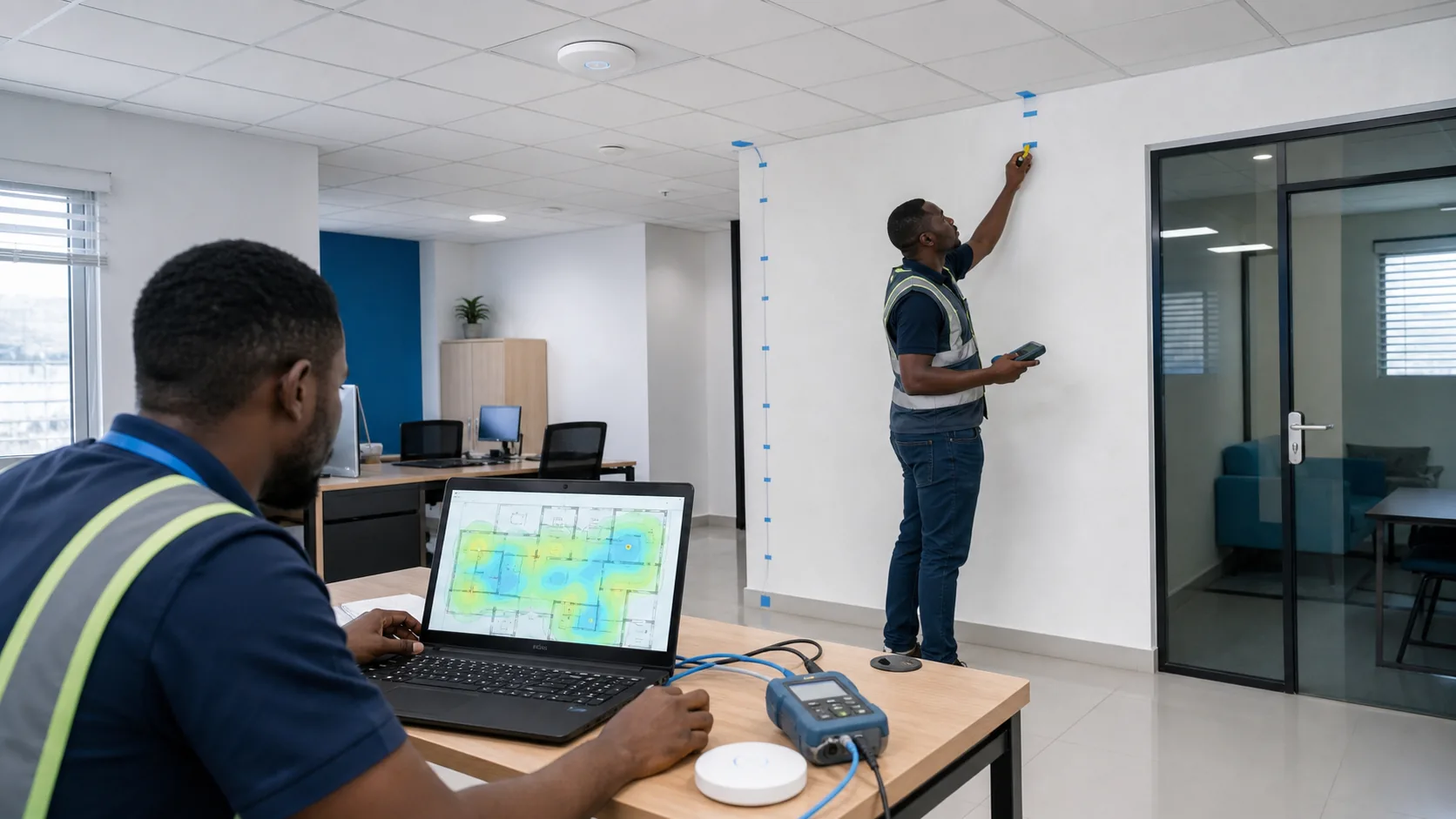
Survey the space.Understand rooms, materials, users, coverage and cable routes before placement.

Configure and hand over.Verify the agreed setup, accessories, ownership and support route with the user.

Diagnose before replacing.Record the symptom, protect data, test safely and confirm the repair decision.
Service illustrations, not named client case studies or proof of a completed engagement.
Computer selection

HP Laptop 14-dq2097nr – (2E9K2UA#ABA)
Computer catalogueView details
HP Spectre 13 – aw2007na X360 – Core I7 – 1165g7 – 16GB – 1TB SSD – Intel Iris Xe – Touch/13.3″ Fhd
Computer catalogueView details
16-inch Macbook Pro with Touch Bar 1TB | 2.3GHZ
Computer catalogueView details
14-inch Macbook Pro | M1 Pro 10-Core | 1TB
Computer catalogueView detailsCatalogue pages are a starting point. Confirm current model, configuration, availability, warranty and price before purchase.
What information to provide
Computer purchase
Workload, preferred form factor, required software, quantity, mobility and budget range.
Network need
Site, number of users, connected devices, coverage problem, current provider and security requirements.
Training request
Audience, current skill level, topics, tools, delivery format and tasks learners should complete.
Support question
What changed, the exact symptom, what has been tried and whether work is blocked.
Networks and training
Network solutions
A useful network brief covers the site and users before equipment is selected.
- Office and branch connectivity
- Wi-Fi coverage and device demand
- Switching, routing and access rules
- Backup, continuity and secure handover

Digital training
Training is clearer when it is connected to a job learners must perform.
- Software and everyday digital operations
- Productivity and team collaboration
- Systems, privacy and security basics
- Onsite or online delivery planning

Choose by working pattern
Documents, browser work, communication, accounting tools, reliable ports and comfortable daily use.
Battery needs, weight, connectivity, calls, travel durability and secure access.
Application requirements, memory, storage, graphics, display and sustained performance.
User profiles, manageability, durability, connectivity, training and support expectations.
A clear route from need to usable result
- 01DiscoverConfirm the work, users, spaces and goals.
- 02PlanDefine the selection, scope and responsibilities.
- 03DeliverCoordinate the agreed product or service.
- 04VerifyCheck function, access and agreed outcomes.
- 05HandoverTransfer knowledge and confirm support routes.
Technology reading

How to Plan Digital Skills Training Around Real Tasks
Aug 2026 · Archived readingRead article
What to Include in a Business Computer Purchase Brief
Aug 2026 · Archived readingRead article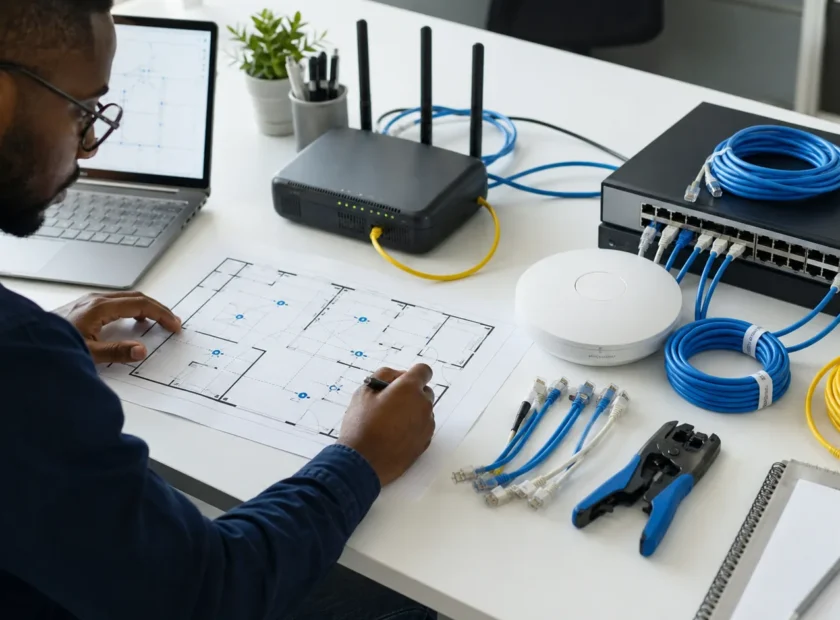
How to Plan a Small-Office Wi-Fi Network Before Buying Equipment
Aug 2026 · Archived readingRead articleTechnology changes quickly. Publication dates are shown so older articles are not mistaken for current product or security guidance.
Confirm scope, fit and availability directly.
Joni-One’s catalogue and service pages begin the conversation. The final product, configuration, price, timing and service responsibilities should be confirmed before payment or access is granted.
Can Joni-One match a device to a specific workload?
Share the required applications, working location, mobility, storage, display, connectivity and budget needs so the recommendation can be based on the job.
Should I include passwords in a support request?
No. Never put passwords, one-time codes, private keys or unrestricted remote-access details in a general contact form or email.
What makes a good training brief?
State who will learn, their current level, the tools involved, the tasks they should complete and whether delivery is onsite or online.