
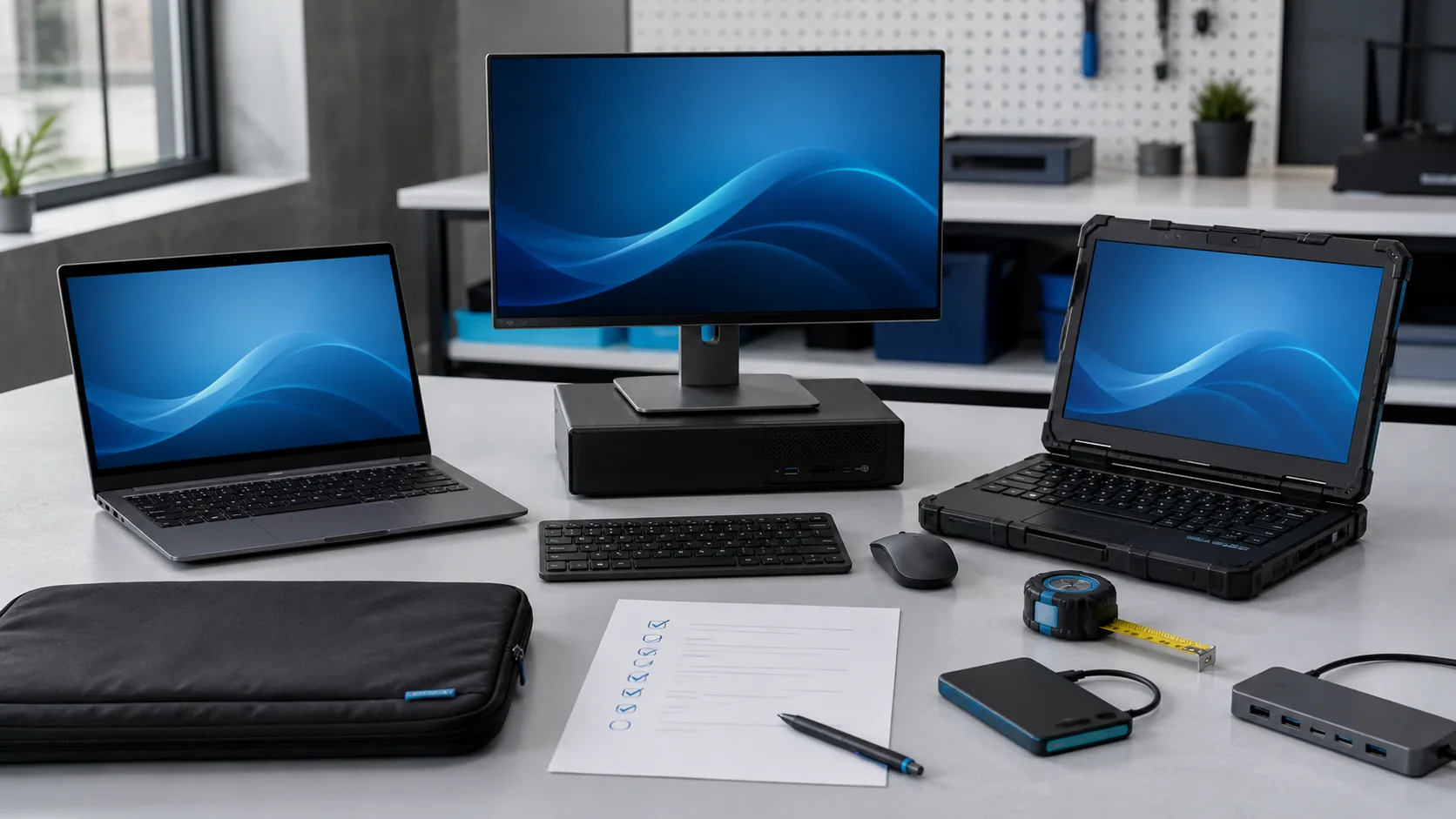
“I need a good laptop” is difficult to price and easy to misunderstand. A better request describes the work, the operating environment and the support result you expect.
1. Start with applications and workload
List the software or browser systems that must run, including version or vendor requirements where known. Describe the largest files, number of applications used at once, video-call needs and whether the work includes graphics, engineering, data, development or other sustained workloads.
2. Describe the user and working pattern
State whether the device stays on one desk, travels between locations or is shared. Battery duration, weight, screen size, keyboard comfort, durability and camera quality matter differently for a mobile professional, office administrator, field worker or training room.
3. Define memory, storage and performance as outcomes
Requirements should support the applications and useful service life rather than chase a model name. State the files and systems involved, expected multitasking, storage growth and any vendor-recommended specification. Leave room to explain acceptable alternatives.
4. List required connections and accessories
- External monitor type and resolution.
- USB, USB-C, network, audio or specialist ports.
- Docking, keyboard, mouse, headset and camera needs.
- Wi-Fi and mobile-connectivity requirements.
- Protective case, power adapters and travel needs.
5. Include security and management
Supported operating systems, timely software updates, storage encryption, strong authentication and managed user access are part of the buying decision. For shared or organisational devices, clarify who owns administrator access, how accounts are removed and how lost or replaced equipment is handled.
6. Plan backup and recovery
A new computer is not a backup plan. Identify where business data should live, how it will be backed up and how recovery will be tested. CISA recommends frequent backups and warns that an external backup drive left permanently connected can also be affected by ransomware.
7. Confirm the complete offer
Before payment, confirm the exact model and configuration, condition, included accessories, operating-system licence, warranty, delivery, setup, data transfer, support responsibilities and total price. Product pages are a starting point; the confirmed written offer is the decision record.
Reference
CISA: Small and medium-sized business cybersecurity resources
CISA: Protecting data stored on devices