
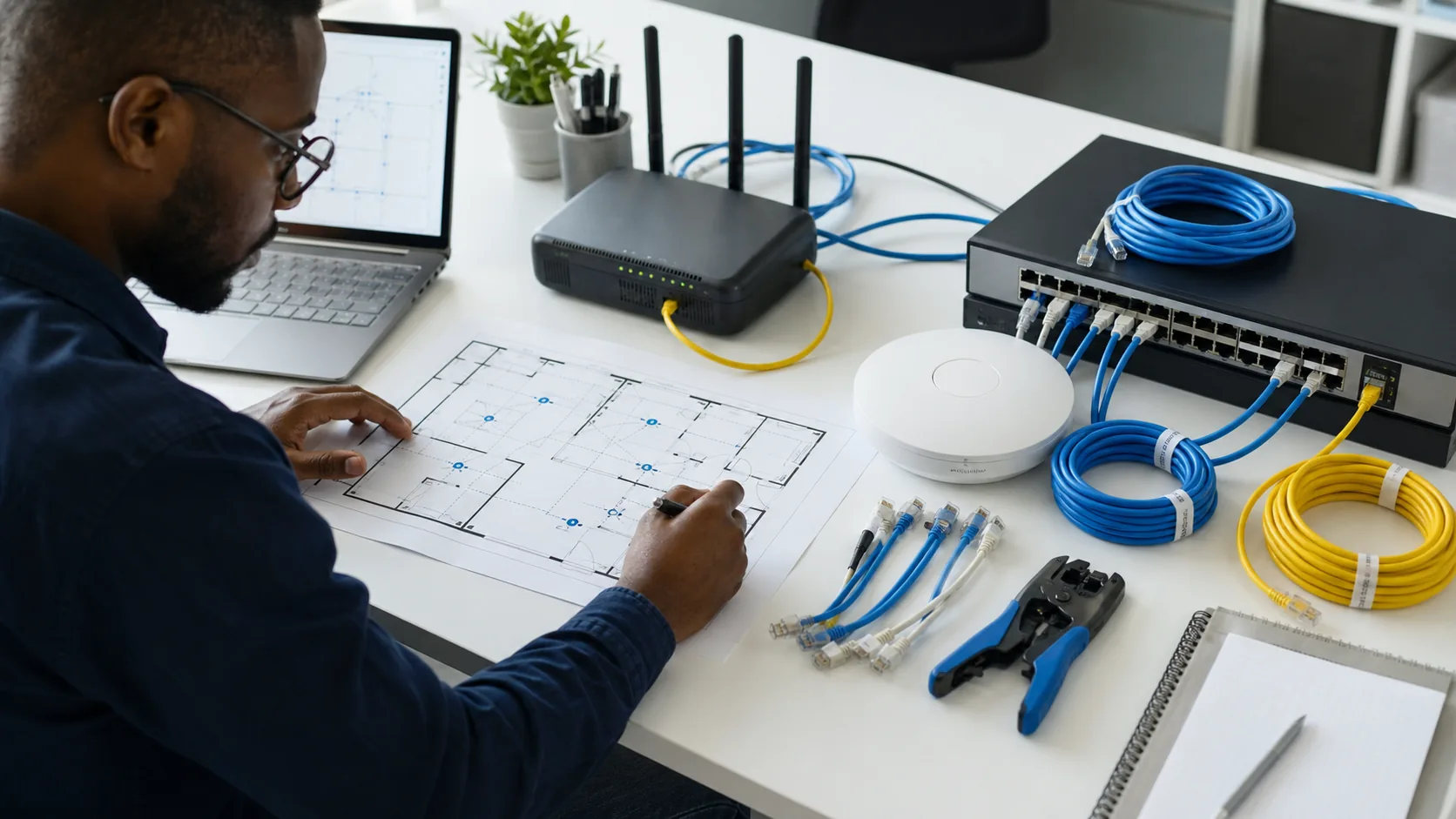
A useful wireless network starts with the work, the site and the people—not with a router model. Writing the brief first makes it easier to compare options and verify the final result.
Map the site and the work
Record the rooms, floor area, wall materials, occupied work areas and places where reliable access matters. Identify video calls, shared systems, cloud applications, guest access, printing and other activities that affect capacity or placement.
Count users and devices separately
One person may carry a laptop and two phones while also using a printer, television or shared device. Estimate normal and peak demand, including visitors, training sessions and future staff. This creates a more useful requirement than a simple headcount.
Decide what should be wired
Wireless access points, desktops, printers, cameras and other fixed systems may benefit from a structured wired connection. A wired backbone can reduce avoidable wireless congestion and make important devices easier to manage. Cabling routes, switch capacity, power and physical protection should be part of the plan.
Build security into the network brief
- Change default administrator credentials and restrict management access.
- Use supported devices and keep firmware updated.
- Separate guest access from business systems where appropriate.
- Define who may add devices, change settings and review logs.
- Use secure remote access instead of exposing management interfaces directly.
NIST’s small-business guidance treats network devices as a critical connection between internal systems and the internet. Security should be an acceptance requirement, not an optional task after installation.
Plan for interruption
Document what happens when electricity or the primary internet connection fails. The answer may include a UPS for critical network equipment, a controlled secondary connection, configuration backups and a clear support route. The right design depends on which business activities must continue.
Define acceptance and handover
Before work begins, agree how the network will be tested: coverage in named rooms, connection stability, expected capacity, guest separation, device access and recovery after restart. The handover should include an equipment record, network diagram, configuration backup, warranty details and administrator ownership. Passwords should be transferred through a secure agreed method—not a general contact form.
What to send with a network request
- Site location, rooms and floor plan if available.
- Normal and peak users, plus connected-device estimates.
- Current provider, equipment and specific coverage problems.
- Applications or services that are sensitive to interruption.
- Guest, remote-access, security and support requirements.